
.svg)

.svg)
Komtrax Single Sign-On
Thank you to our valued customers for using Komtrax, we are pleased to announce that Komtrax will become easier to access through the launch of Komtrax Single Sign-On.
Download the manual with detailed instructions.
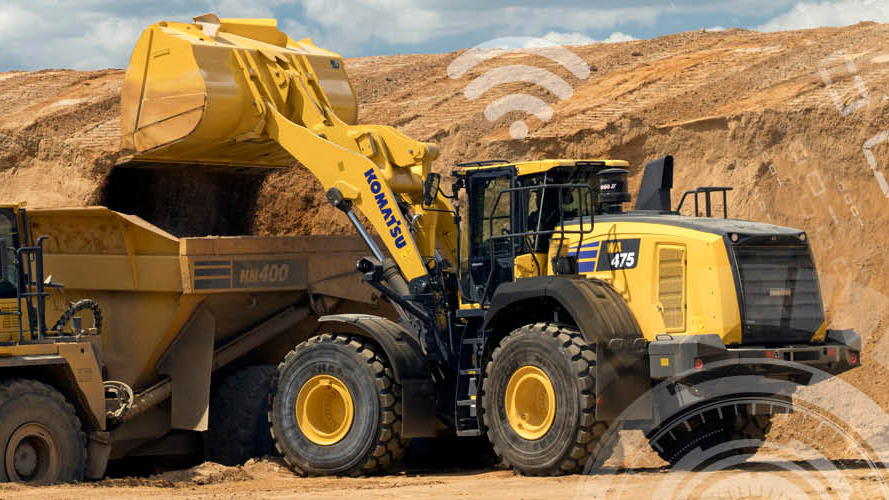

Here’s a quick rundown on what Komtrax Single Sign-On (SSO) is, how it works, when it will be launched and how you can sign up for it:
In short, Komtrax SSO (Single Sign-On) simplifies the sign-in process to Komtrax by using Microsoft Azure. The Microsoft Azure account will replace the Komtrax username and password.
Microsoft Azure comes with multifactor authentication for additional security.
Multifactor Authentication also known as two-step verification provides additional security by using a second form of authentication through a range of easy to use authentication methods: phone call, or text message code, or mobile app based verification.
Komtrax SSO multifactor authentication is managed through Microsoft Azure Active Directory.
Additional security is applied to your account whilst improving ease of access to Komtrax.
Simplified sign-in process: once you have signed up for Komtrax SSO, username and password entry will not be required to access Komtrax in future.
With SSO, your Komtrax password will also not expire so no more password resetting will be required.
If you don’t currently have a Komtrax account, please contact us:
Email: Komtrax@komatsu.com.au
Phone: +612 9795 8568
You will then be sent an invitation to set up your account for the first time. This process is detailed in the SSO manual (available for download at the top of the page).
Once setup, you can access Komtrax at:
Yes, the Komtrax mobile application now uses SSO to authenticate you.
The app can be accessed at:
The SSO manual, available for download at the top of the page, takes you through the process of setting up your account, including a troubleshooting section.